Join over 73,000 Event Creators – Book a demo with the team today!

A beautiful events calendar with built-in ticketing.

Ticket Tailor's calendar flexibility lets you build and manage your events calendar with ease. With options to host on your existing website or build for free using Ticket Tailor, easily list events, manage and sell tickets as well as track attendees.

Don't just take our word for it!

5/5
5/5
5/5
ticket tailor calendar function

Choose from 9 Calendar layouts

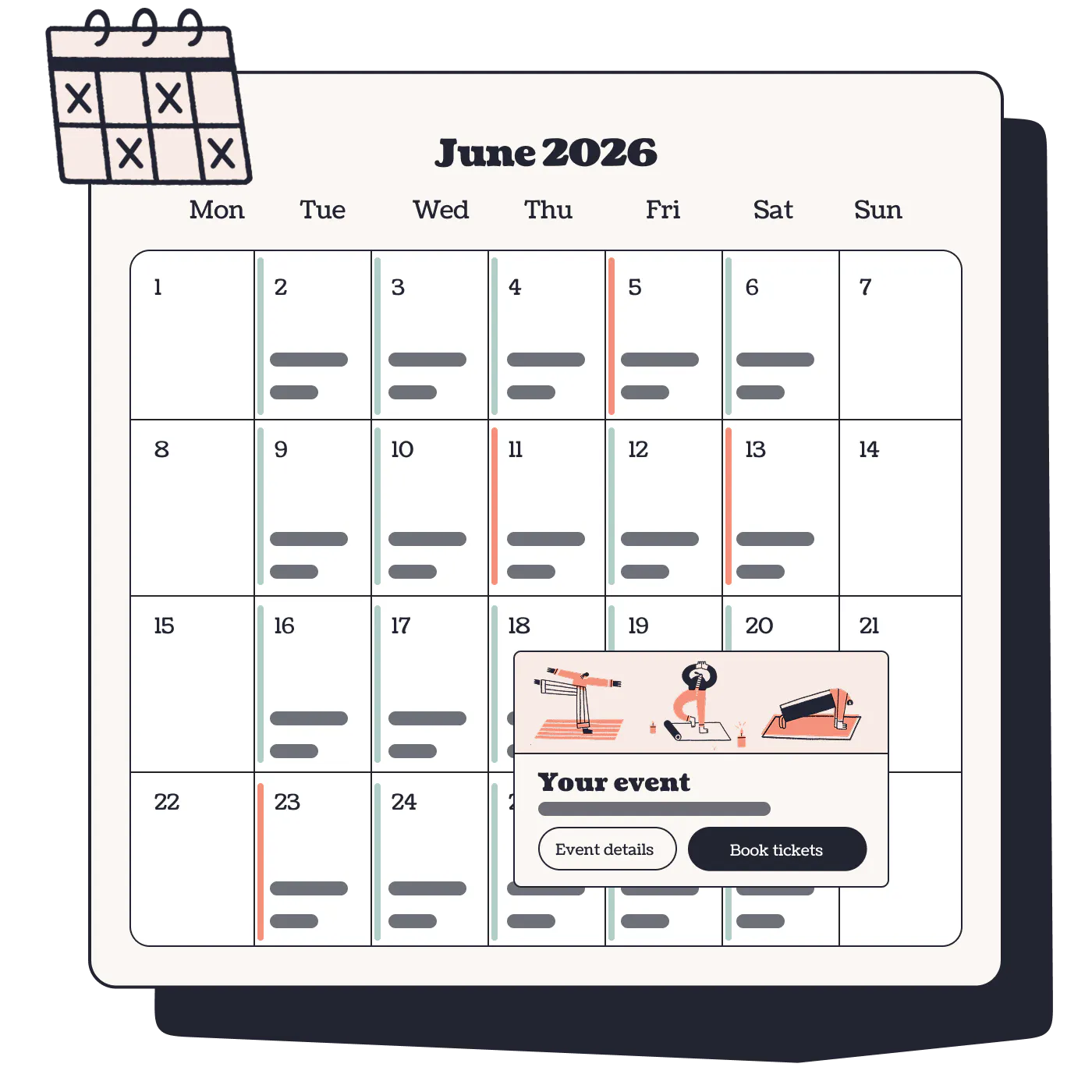
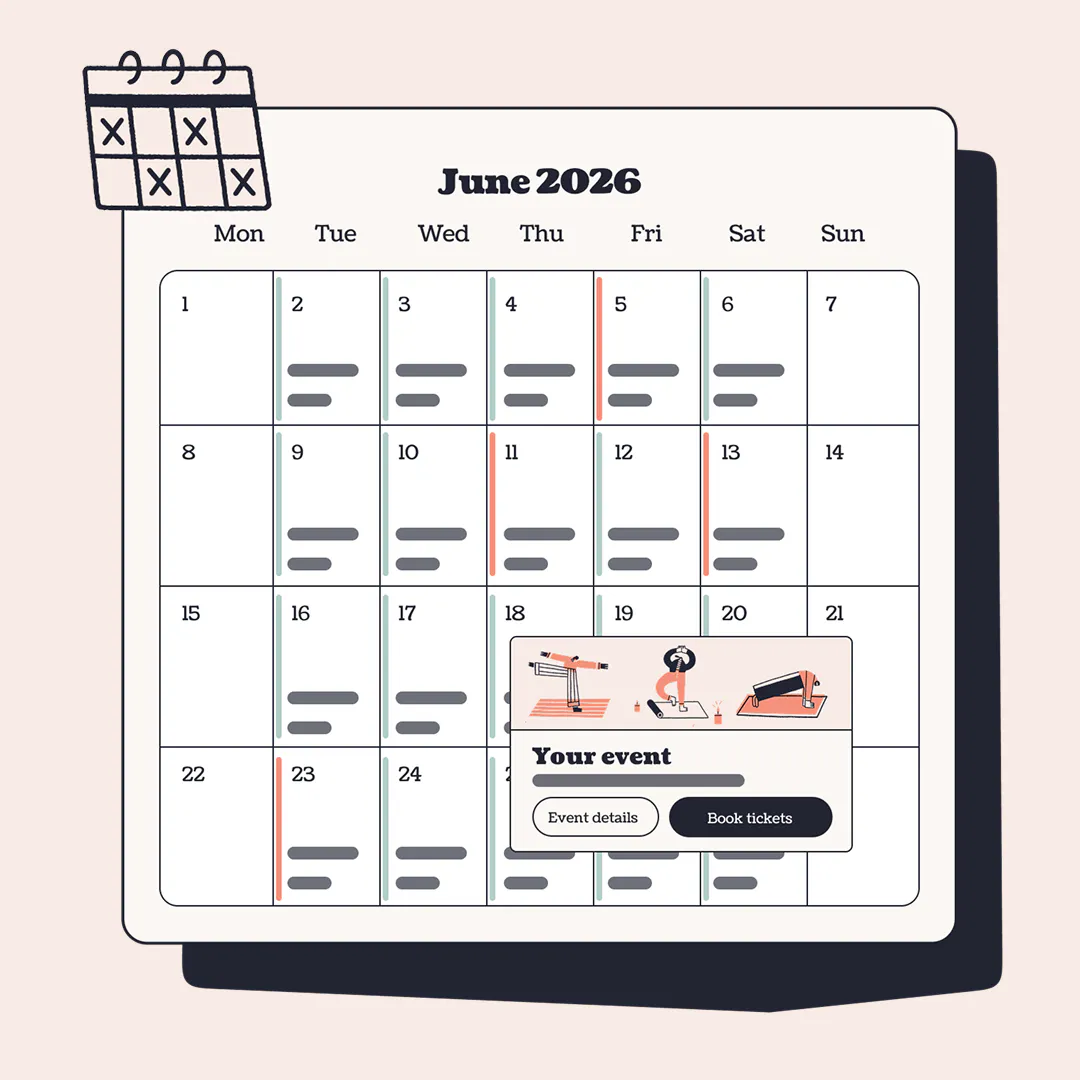
Our flexible calendar layouts allow you to format and display your events in a way that makes most sense for you. With list views, full calendar views, event-first views and various combinations, there's a variation for everyone.

  • 9 Different layouts
  • List & grid formats
  • Event listing views
  • Calendar views
  • Combination views
Learn more
Calendar view illustration

Host on your website or event page

All of our calendar views are available either on event pages hosted on Ticket Tailor or by embedding on your own website. Designs are optimised for mobile-first experiences all with the aim of helping to turn browsing visits to ticket sales.
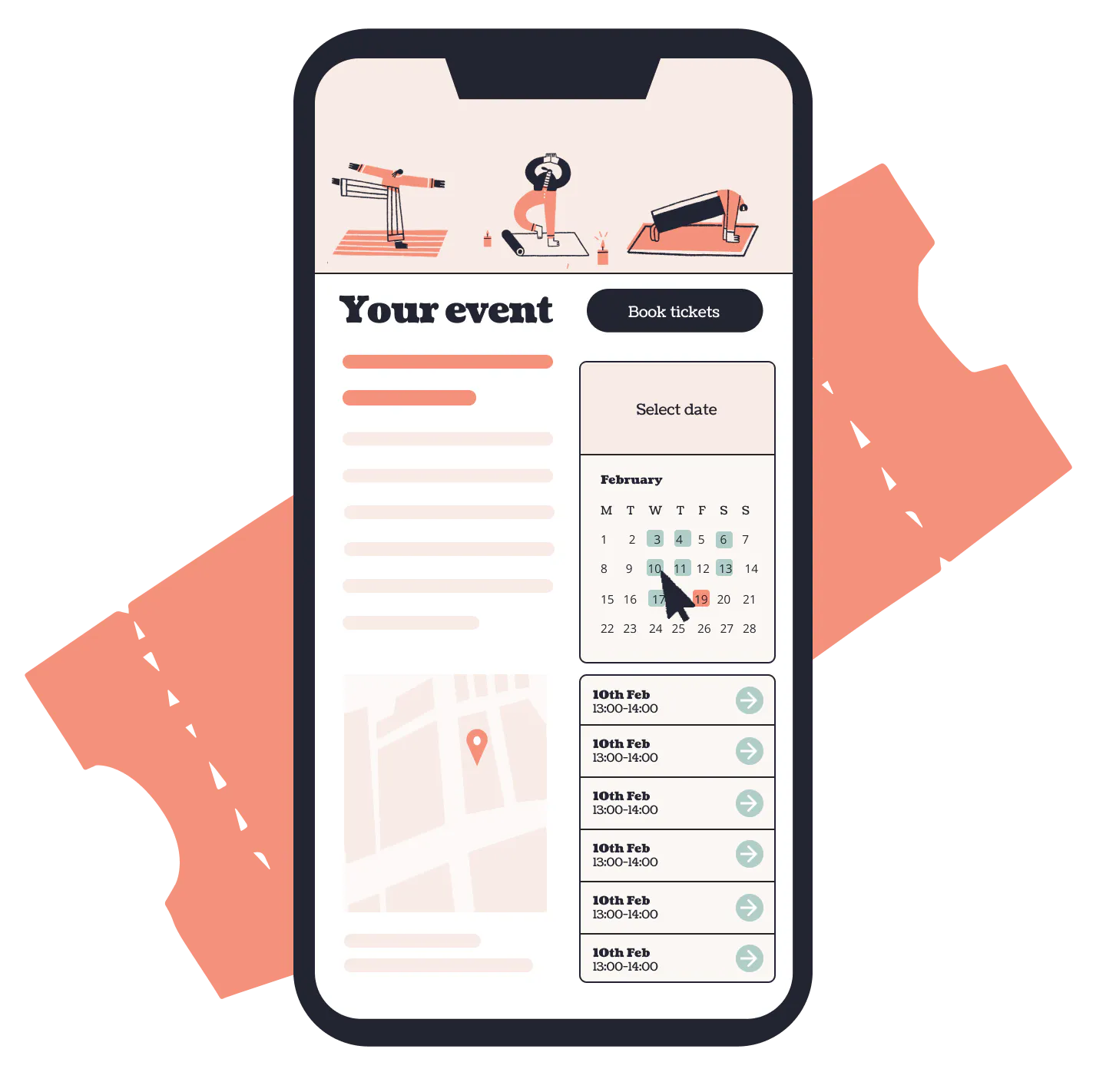
Calendar view on event page mobile

Sell tickets from the same place

We're no clunky bolt-on software. Just proper ticketing, with a beautiful calendar view included so your customers can see what's on and book in a couple of clicks.

  • Create events
  • Build you calendar
  • Sell tickets
  • All in 1 platform

How to embed Ticket Tailor on your Website

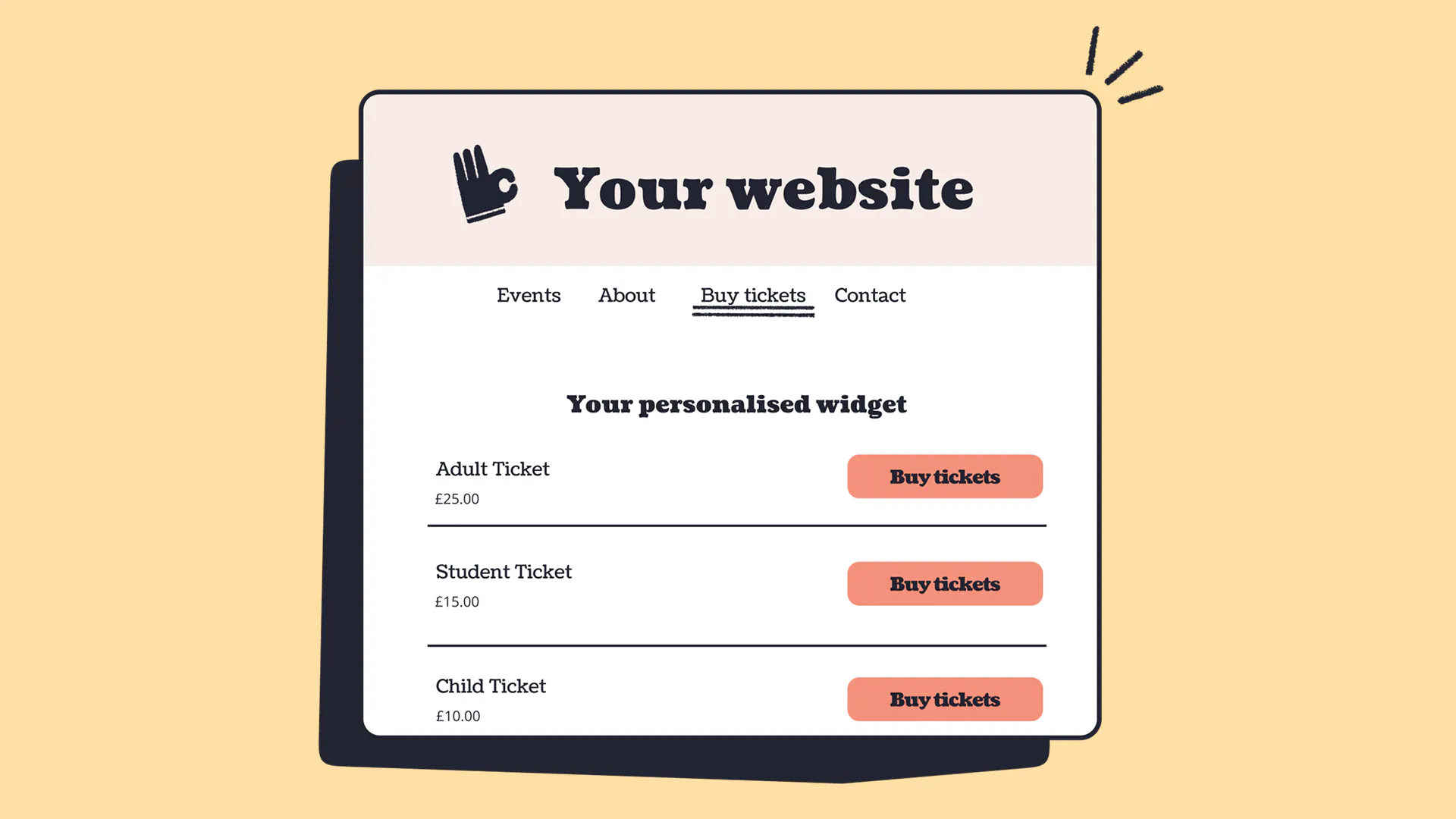
By embedding Ticket Tailor on your website you'll have full control of your events calendar and how your attendees view it.

The Tweed Run Organiser and Head of Marketing Megan Burroughs
United Grid League Ruby George smiling with clipboard
Laura Edralin Laura Letters Life Calligraphy Teacher
Creating events felt quite intuitive and there were some great features and settings that enabled me to get the event listing to suit my event really well. It also helped to make my events look more professional.

Marnie Starling

The event listing and booking form are both customisable, in look and feel, and in asking particular questions if required. We embed a booking form straight into a Wordpress website to get a single page booking solution.

Cheryl Gilliver

Easy to use system, lots of option to customise, very cost effective and a super responsive support team. Highly recommend!

Joanna Fiminska

Combine with other features for greater functionality

Check in app

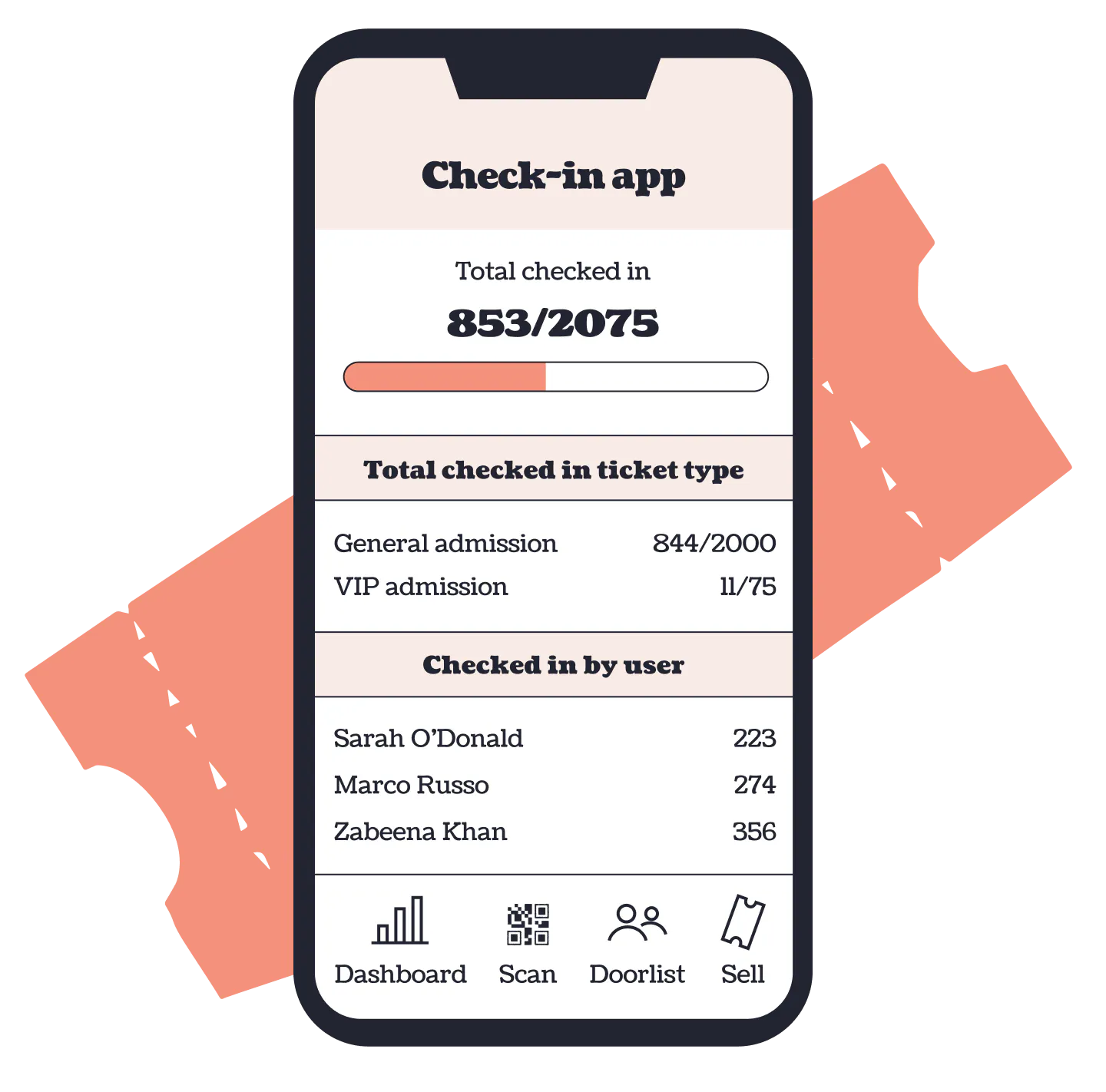
Check in guests to your event using our check in app. It's free to use and handy on the door. Available on IOS and Android.

Checkout forms

Dietary requirements, accessibility needs...you name it. Collect the information you need from your attendees.

Ticket types

Our calendar app not only lets you list events by date but also ticket type. Family, early access, whatever you need - create it on Ticket Tailor.

Broadcasts

Need to communicate with guests and send reminders about your event? This is free with our broadcast feature.
How to use our calendar features - FAQs

What is Ticket Tailor?

Ticket Tailor is a platform for event organisers to host, manage and sell tickets for their event. As part of that we have calendar software that allows you to set up events, manage and display them to attendees in various calendar views.

What is an events calendar app?

An events calendar app is a tool that displays your events in a calendar view on your website, so customers can see what's on at a glance and book the date that suits them. With Ticket Tailor, the calendar view comes built into your box office page or embeddable widget, with proper ticketing baked in. No plugins, no bolt-ons, no third-party checkout.

Who is the calendar view good for?

Anyone running multiple events, recurring sessions or time slots. It's a particularly good fit for workshops, classes, tours, attractions, and venues with a busy schedule. If your customers tend to ask 'what's on this Saturday?', the calendar view answers that for them, and lets them book on the spot.

How is this different from an events calendar plugin or community calendar?

Most events calendar software is built to display events. We're built to sell tickets to them. That means low fees, your branding front and centre, your customer data staying yours, and 24/7 support from real humans whenever you need a hand. The calendar view is one of hundreds of features designed to help your events sell out.

What is the calendar view?

It's a new way to display your events on your box office page or website widget. Instead of a list, your customers see a friendly monthly calendar with all your events laid out by date, so they can spot what's on at a glance and book the day that works for them.

Who is the calendar view good for?

Anyone running multiple events, recurring sessions, or time slots. It's especially handy for workshops, classes, tours, attractions, and venues with a busy schedule. If your customers tend to ask 'what's on this Saturday?', the calendar view answers that for them.

How do I turn it on?

Head to 'Settings', then 'Box office design', and select the 'Listings page' tab. Under 'Listings type', choose 'Calendar with list' and you're away. Your customers will see the calendar view automatically next time they visit.

Can I show ticket prices on the calendar?

Yes! You can show the lowest available ticket price for each day, so customers can see what's on and what it costs in one place. Just open a live event, click 'Edit event and tickets', and tick 'Show lowest ticket prices on calendar' under the 'Event capacity' section.

Back to Top