
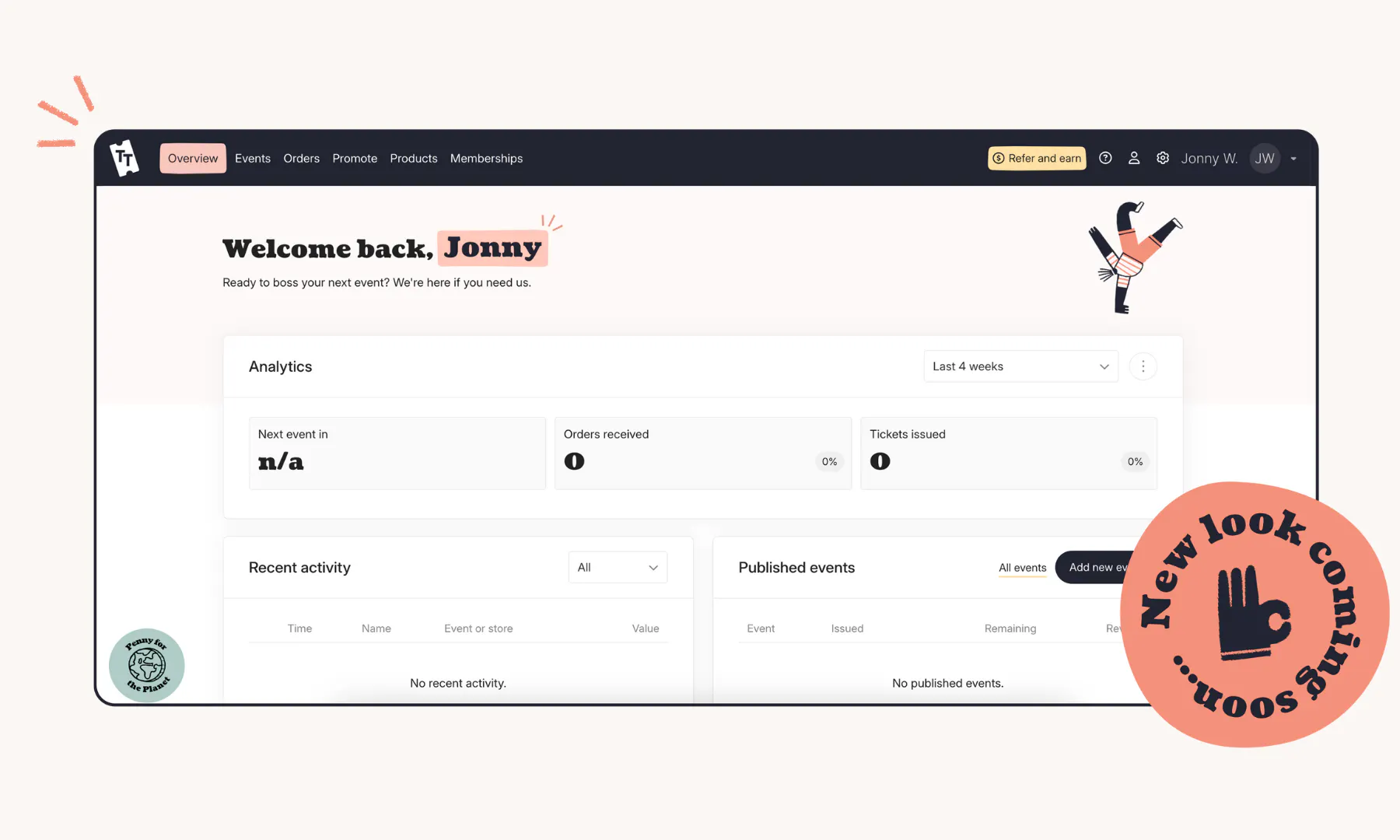
Ticket Tailor payments and integrations: A guide for Event Creators
Compare Ticket Tailor payment options, from Stripe, PayPal and Square to Apple Pay, Klarna and offline payments, and build a checkout that suits your event.
A smooth checkout can make life easier for everyone. Your ticket buyers want familiar ways to pay and an easy checkout process that works just as well on their phone as it does on a laptop.
As an Event Creator, you want a setup that’s easy to manage, gives you control over your money and works for the way you run your events.
Good news: Ticket Tailor gives you plenty of flexibility on both sides. You can take online payments through Stripe, PayPal or Square, offer more than one payment method and set up offline options like bank transfer too. And your ticket revenue from online sales goes directly to your connected payment processor, as and when you sell tickets (we never hold onto your funds!).
Here’s a closer look at your options, plus some handy checkout features that can make buying a ticket even easier.
Why payment choice can improve the checkout experience
Every ticket buyer is different. Some are happy to type in card details. Others reach straight for Apple Pay or Google Pay. PayPal users might prefer checking out with saved details, while somebody booking a larger order may appreciate a flexible payment option.
Giving buyers familiar ways to pay can make checkout feel quicker and easier.
You also don’t have to pick a single method for every event. Ticket Tailor lets you offer a combination of supported payment methods, so you can build a setup that suits your audience.
Choose the payment provider that works for you
Ticket Tailor integrates with Stripe, PayPal and Square for online payments.
All three let ticket buyers pay by credit or debit card, and each comes with its own additional payment options and features.
Stripe
Stripe is our recommended payment processing partner and has worked with Ticket Tailor since 2010.
Once connected, money from ticket sales goes directly into your Stripe account. You can then manage your payouts through Stripe and choose when funds are transferred to your bank account.
Stripe also gives you access to a wide range of checkout options, including Apple Pay, Google Pay, Stripe Link and Klarna, depending on your location and setup.
This combination gives ticket buyers lots of choice while keeping payments connected to your Ticket Tailor events.
PayPal
Already use PayPal for your business? You can connect your account to Ticket Tailor and receive ticket revenue directly into it.
Buyers can pay using credit or debit cards, or use their existing PayPal balance. Eligible customers can also access options including PayPal Pay Later and Venmo in supported markets.
Using PayPal through Ticket Tailor keeps payment and ticketing connected in one checkout. Customers can pay through PayPal, while Ticket Tailor takes care of recording the order and issuing their tickets.
Square
Square is another option for Event Creators who want to connect their existing payment setup to Ticket Tailor.
Once you’ve connected your Square account, you can use it to take online payments for tickets, Products, gift vouchers and Memberships. Ticket revenue goes directly into your Square account when somebody makes a purchase.
If Square is already part of how you run your business, this can help keep your payment setup familiar.
Make checkout faster and easier
Choosing a payment processor is only part of the picture.
You can also give ticket buyers faster ways to complete their purchase, particularly when they’re buying from a phone.
Apple Pay and Google Pay
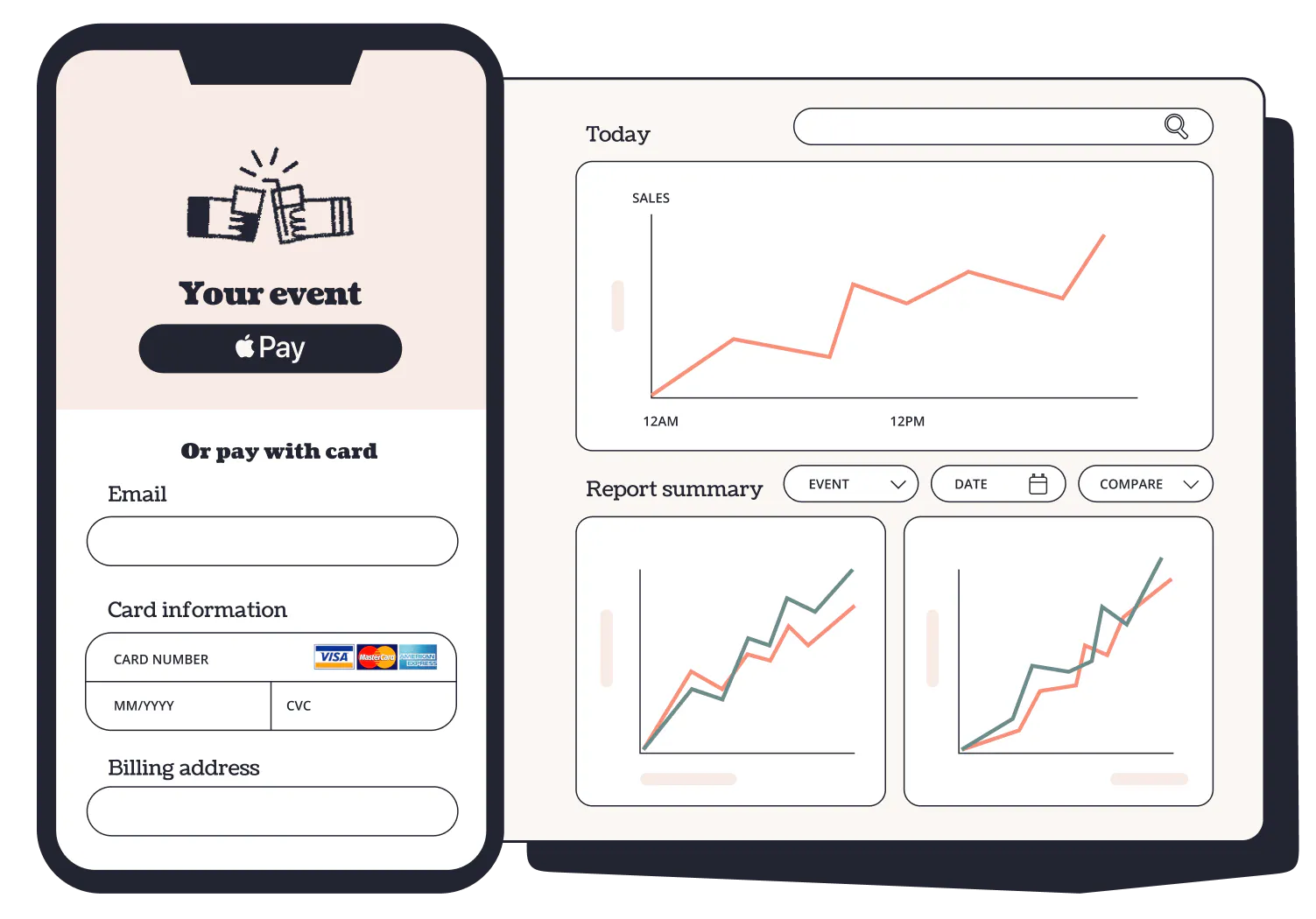
If you use Stripe or Square, you can offer Apple Pay and Google Pay through your Ticket Tailor checkout. Eligible buyers can then pay using saved payment details on their device.
For Apple Pay users, this can mean confirming a purchase with Face ID or a fingerprint instead of entering card details.
There are some setup requirements depending on your payment provider and whether you use a custom domain, so check the latest Help Centre guidance before switching these options on.
Offering Apple Pay and Google Pay is a smart move in a world where people have come to expect this level of convenience when making online purchases. And anything that speeds up the checkout process is good news for your overall sales.
Stripe Link
Stripe Link is another way to speed things up at checkout. It lets opted-in Stripe customers save their payment details for future purchases. When they reach a Link-supported checkout again, their payment information can be filled automatically.
This creates a fast, seamless and secure checkout experience, particularly for people who regularly shop online using Stripe.
Link is available when you use Stripe as your Ticket Tailor payment processor, and you can manage the option from your Stripe payment settings in Ticket Tailor.
Give buyers more ways to pay
For some events, spreading the cost of a ticket or using a familiar local payment method can make purchasing easier.
Klarna
If you use Stripe, you may be able to offer Klarna to eligible ticket buyers.
Klarna can give customers different ways to pay depending on factors like their location, billing address and order value. These can include buy now, pay later options.
Once a Klarna payment is accepted, the order amount minus applicable fees is made available to your Stripe account upfront. Klarna then manages any future installment payments with the customer.
Availability varies, so it’s worth checking the latest eligibility requirements before adding it to your checkout.
PayPal Pay Later and Venmo
PayPal users have their own additional options. Eligible buyers may be able to use PayPal Pay Later to spread their payments, and Venmo gives supported US customers another familiar way to check out.
Local payment methods
Depending on your setup and location, Stripe can also support payment methods used heavily in particular markets.
For example, Ticket Tailor supports iDEAL and Bancontact through Stripe, giving Event Creators selling to customers in markets like the Netherlands and Belgium another way to tailor checkout to their audience.
Take payments in person
Online sales may do most of the heavy lifting, but offering in-person sales can also be a good way to boost attendance, especially for events that attract a spontaneous crowd.
Ticket Tailor’s Check-in app lets eligible Event Creators take in-person orders using Stripe Tap to Pay. With a compatible phone, attendees can tap their contactless card or mobile wallet directly against your device.
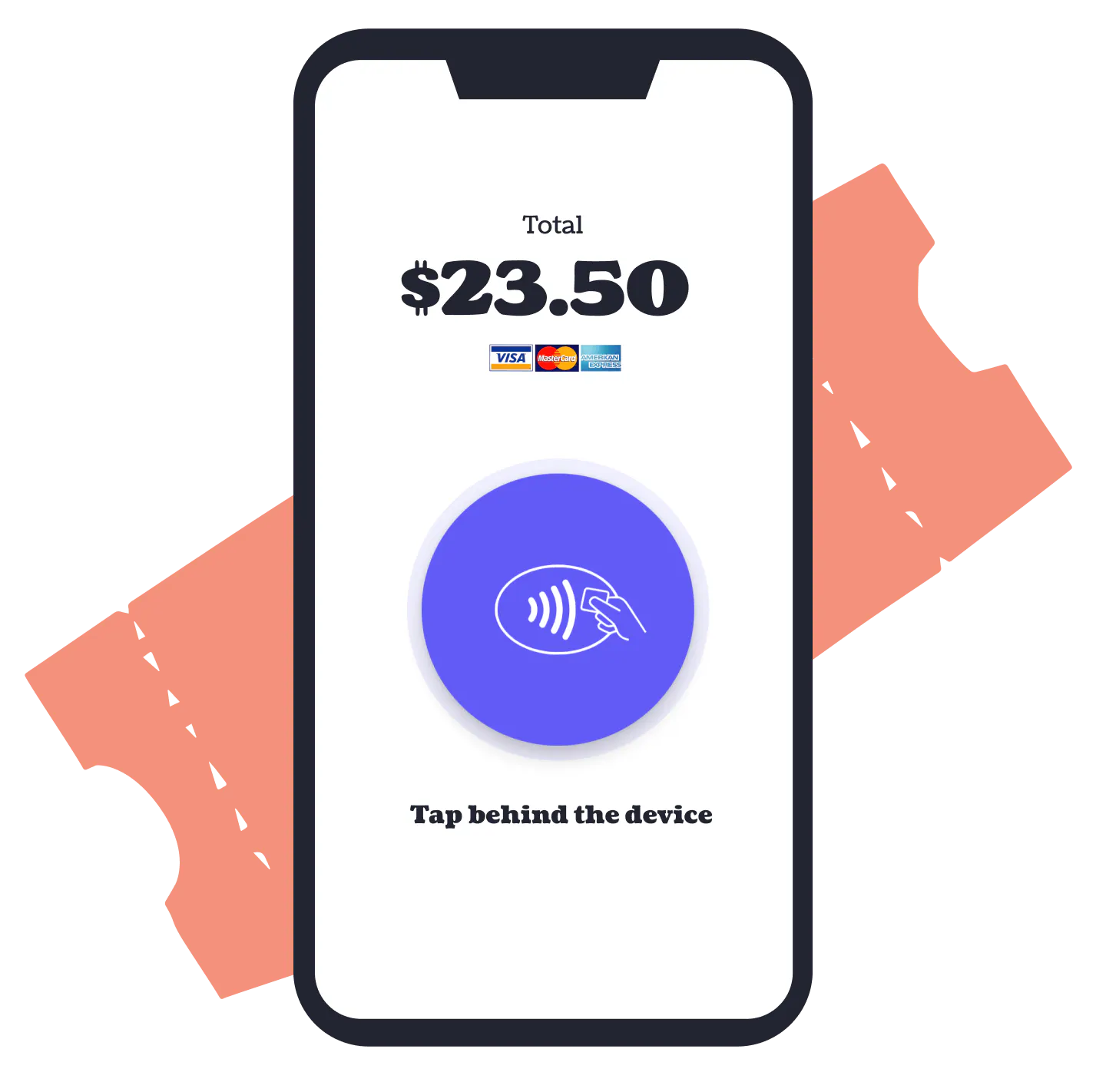
The sale is then added to Ticket Tailor, so your ticket sales, event revenue and check-in information stay connected.
You can also record payments taken externally, like cash, as an operator payment.
Offer offline payments when you need them
Sometimes an online card payment isn’t the right fit. You might have a corporate customer who wants to pay by bank transfer, a group booking that needs an invoice or attendees who will pay in cash.
Offline payments let customers reserve tickets through Ticket Tailor and follow your instructions to pay outside your connected Stripe, PayPal or Square account.
You can give your ticket buyers extra flexibility while staying in control of when this option appears.
For example, you can set a minimum order value if you only want to offer bank transfer for large bookings. You can also set a maximum order value or decide how long before your event you’ll stop accepting offline payments.
This can give you time to reconcile bank transfers before event day while keeping other payment methods available for later bookings.
Offer more than one way to pay
You don’t have to choose between Stripe, PayPal, Square and offline payments for every event.
Ticket Tailor lets you select multiple payment methods, so buyers can choose from the options you’ve made available.
For example, you could take card and wallet payments through Stripe while also offering PayPal and bank transfer.
The right mix will depend on your audience, event type and how you prefer to manage your money.
Stay in control of your payment setup
Your payment choices affect your experience as well as the buyer’s. With online payments, your ticket money goes directly to your connected Stripe, PayPal or Square account, which can be a game-changer when it comes to managing cashflow (some ticketing platforms hold your funds until after your event).
Your payment processor will charge its own transaction fees, and the amount can vary depending on the provider, country, currency and payment method.
Ticket Tailor also gives you the option to pass payment processing costs on to ticket buyers through your event fees if this suits your setup.
It’s worth checking the latest pricing and payout information directly with your chosen provider before deciding which option works for you.
Build a checkout that fits your event
There’s no need for every Ticket Tailor checkout to look the same behind the scenes.
You might keep things simple with card payments through Stripe. You might add Apple Pay and Google Pay for speedy mobile purchases. PayPal could be familiar to your audience, while offline payments could help with larger group bookings.
The important thing is choosing a setup that makes buying easy for your customers and managing payments straightforward for your team.
And as your events grow or your audience changes, you can revisit your payment options and adjust them too.
Want to get started? Head to your Ticket Tailor payment settings to connect a provider, or visit our Help Centre for the latest setup guides for Stripe, PayPal, Square and offline payments.